
Search Putnam County Genealogy
Putnam County Genealogy research works best when you begin in Cookeville and keep one eye on the county's older land and marriage lines. Putnam County was first formed in 1842, though that act was later ruled unconstitutional, and the county was formed again in 1854. That history matters because some family tracks may sit in older county borders before Putnam took its present shape. The county seat, the library, and the state collections all play a role. If your family stayed in the Upper Cumberland for more than one generation, Putnam County Genealogy can move from a simple name check to a full paper trail quickly.
Putnam County Genealogy Sources
The county research points first to the Putnam County Courthouse at 121 S. Dixie Ave., Cookeville, TN 38501, with the county clerk listed at (931) 526-7106. That office is the best starting point when you need county-level contact information or a local record route. The research also notes that Putnam County is home to Tennessee Technological University, which gives Cookeville a stronger academic and local history footprint than many counties of similar size.
For Putnam County Genealogy, the strongest local online starting point is the county TNGenWeb page at tngenweb.org/putnam. It gives you a local gateway before you move into courthouse books or state collections. The research also points to the Putnam County Library Tennessee Room at pclibrary.org/learning_resource/tennessee-room. That room matters because local history shelves often hold cemetery notes, family files, and town clues that never reach the courthouse.
Putnam County Genealogy is also a good fit for a layered search. One source may show a marriage date, another may show a deed, and a third may show a family in the Tennessee Room or a cemetery list. That is especially useful in Cookeville, where a college town and a county seat can both leave records with the same surname.
Putnam County Courthouse Records
Putnam County was organized in the Upper Cumberland and its county records reflect that long local line. If you are tracing Putnam County Genealogy, start with the county clerk's office and then move to the records held by the county government. The county research gives you the courthouse address and county clerk phone number, which is enough to start a direct request or an in-person visit. Because no county archive URL is listed in the research, the courthouse contact becomes the key local anchor.
Courthouse records can help you place a family in Cookeville, a township, or a rural area before the state indexes even come into play. Deeds can show when a family entered the county. Marriage records can connect surnames that shift between census years. Probate records can tie heirs together after a death. Those three record groups are usually the best first stop when you want a Putnam County Genealogy trail that actually holds together.
The county government site at putnamcountytn.gov is useful for office names and current county contact paths. It pairs well with the courthouse phone number when you need to know which desk handles a request, which office keeps a series, or where to direct a written question. That small amount of local clarity can save a lot of time.
Note: Putnam County Genealogy searches often work faster when you write down the exact book type first, then move from the county clerk to the library and then to the state archive.
Putnam County Genealogy Images
The Putnam County TNGenWeb page is the first local image source. It keeps the search rooted in the county and ties the record trail back to Putnam County families.
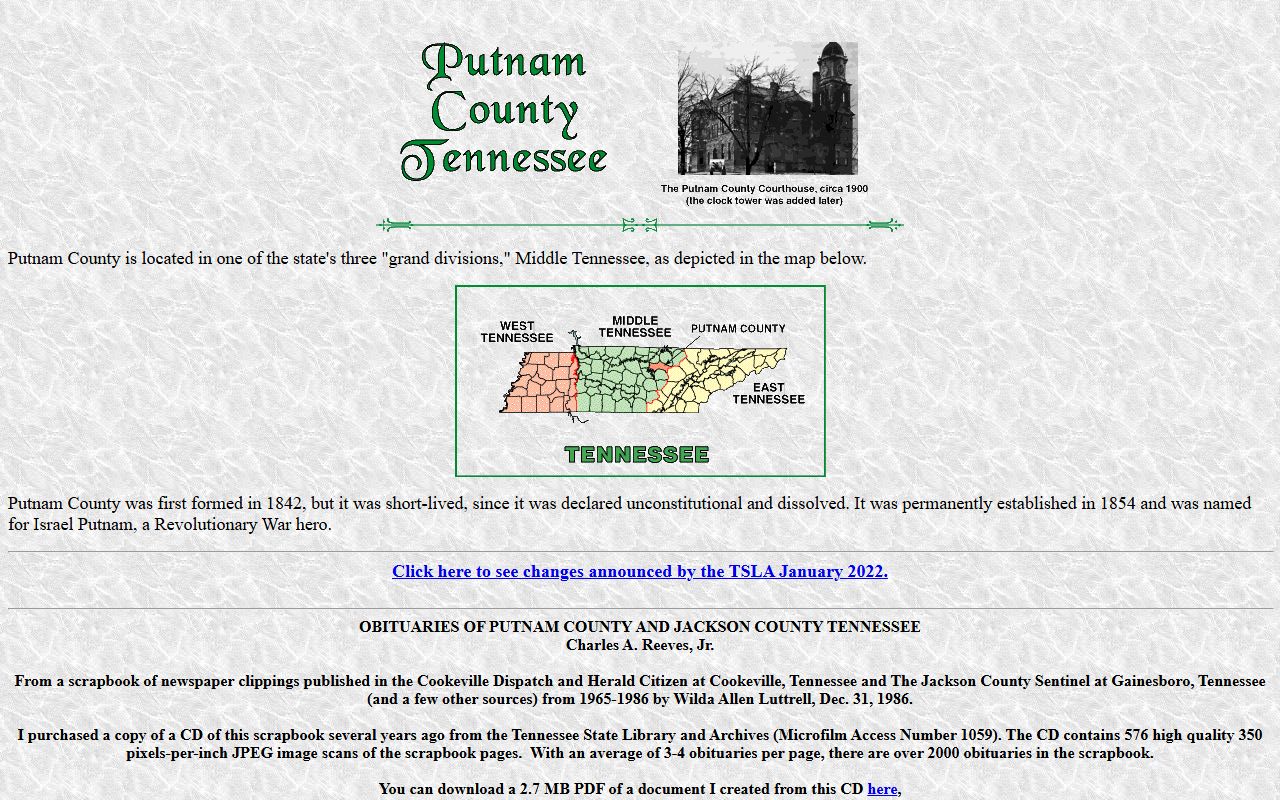
That image works well for Putnam County Genealogy because it points to the county's volunteer-style research path and not just the courthouse path. The second local image comes from the Putnam County Library Tennessee Room at pclibrary.org/learning_resource/tennessee-room. The Tennessee Room is a strong place for town histories and family clues.

Use it when a surname shows up in Cookeville history, a church note, or a family file that never made it to the courthouse shelf.
The county government page at putnamcountytn.gov is the third local source in the manifest. It helps you confirm current county services and gives a practical route into the local record system.

That image is a good reminder that Putnam County Genealogy usually works best when the library, the county website, and the courthouse are used together.
Putnam County Genealogy at State Repositories
State repositories help Putnam County Genealogy when local records stop short or when you need a statewide index before you pick a county shelf. TSLA is the most important state backup. It holds county records on microfilm, death indexes, manuscript collections, and other material that supports Upper Cumberland research. The Tennessee Virtual Archive adds digitized images and searchable collections. Together, they make a strong second stage after the local Putnam County sources.
The FamilySearch Tennessee records page gives a broad search field when you want to see whether a Putnam County surname appears in another county, a probate line, or a statewide vital record. The Tennessee Office of Vital Records is useful for later birth, death, marriage, and divorce certificates, especially when a family moved into the twentieth century. The Tennessee Electronic Library is also worth checking for census access and family histories.
Putnam County Genealogy often becomes easier once you stop treating Cookeville and Nashville as separate searches. They are part of the same trail. One gives you local names and the other gives you statewide context.
Putnam County Genealogy Search Tips
Putnam County Genealogy rewards a slow, clean search. Start with the county seat, then widen to the Tennessee Tech area, then check the library and county government sites. If a family lived in Cookeville, it may appear in campus-era local history, business records, or library material as well as in county deeds and marriages. That overlap is useful, but it can also create duplicates. Keep the names and dates tight.
When you want to verify a line, try this order: TNGenWeb, courthouse contact, Tennessee Room, TSLA, then FamilySearch. That sequence keeps the county first and the state second. It also helps you avoid jumping into a broad database before you know what you are hunting for.
Putnam County Genealogy can also benefit from the county clerk's phone line and the county government website when you need to know which office has the record book. A short question often beats a long search. That is true in Cookeville as much as anywhere else.
Putnam County Genealogy Links
Use Putnam County TNGenWeb for local leads, the Putnam County Library Tennessee Room for local history depth, and Putnam County government for current office names. If you need a broader search, move to TSLA, TeVA, and FamilySearch Tennessee. That mix gives you a reliable Putnam County Genealogy path without leaving the county behind.
For twentieth-century certificate work, add Tennessee Vital Records and TEL to the list. Together, they cover local history, archive work, and statewide record checking.